Take the order
Build takeaway or table checks with quantities and preparation notes.
A self-hosted restaurant register for cash sales, table checks, kitchen batches, pickup requests and daily store operations.
Illustrated workflow · not a live application session
Start with the implemented workflow, then follow the source to understand how it works.
Build takeaway or table checks with quantities and preparation notes.
Track new, preparing, ready and served batches without restarting earlier items.
Reconcile cash shifts, inspect reports and back up the store.
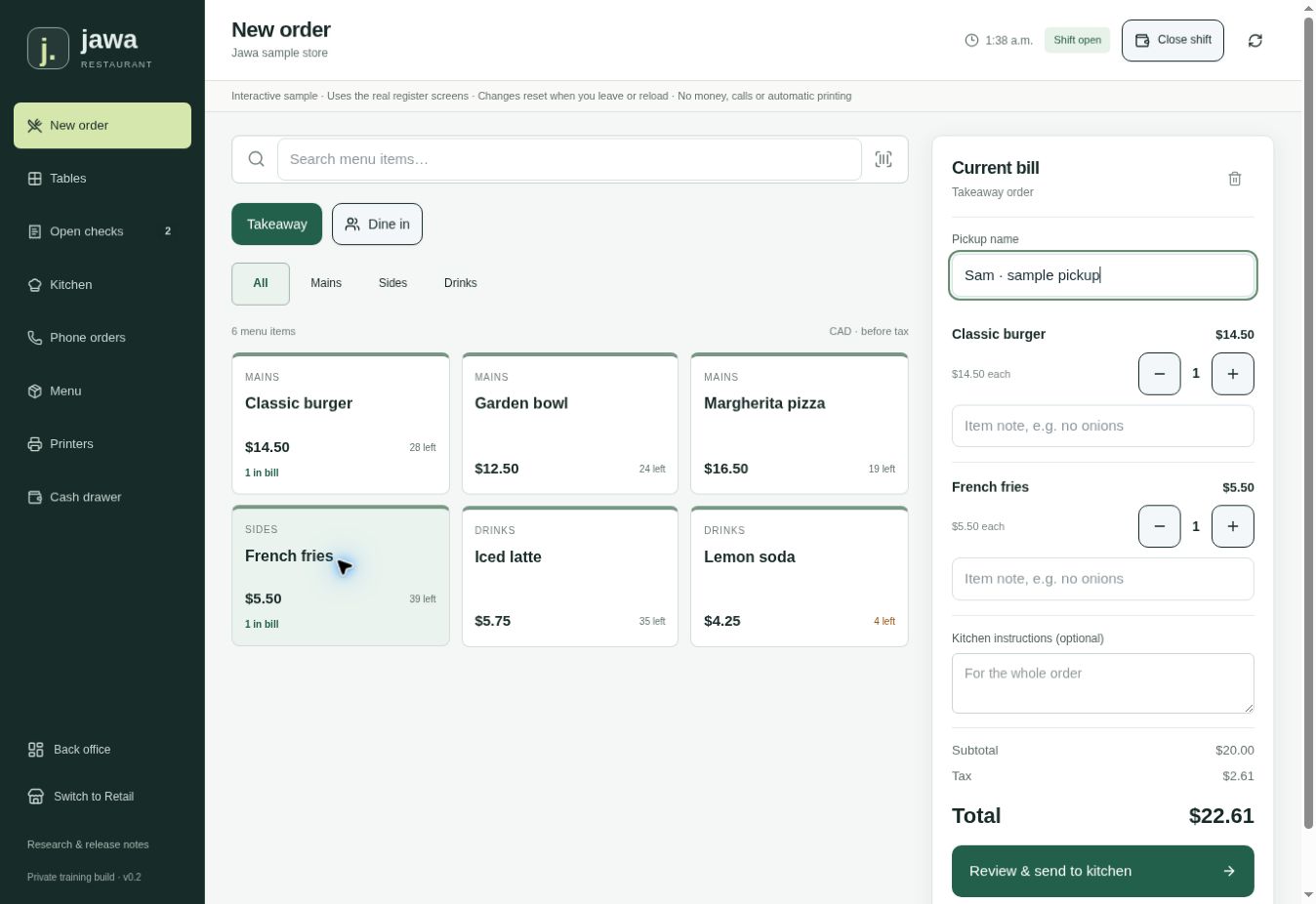
Build takeaway or table checks with quantities and preparation notes.
Full setup and implementation ↗Node.js 24 or later. Open http://localhost:8787 and use the local setup token to create the owner account.
Clone the repository and run these commands from its root. Review the README before connecting external services.
Open repository ↗git clone https://github.com/honeyamn10-source/pos.git
cd pos
corepack enable
corepack prepare pnpm@11.19.0 --activate
pnpm install --frozen-lockfile
pnpm run build:server
pnpm run start:serverDevelopment/training release. Card payments, live phone service and physical printers require separate integrations and validation. Stock tracks sellable portions, not recipes.
Check the latest results in GitHub Actions. A passing automated check covers its tested paths, not every real-world integration.